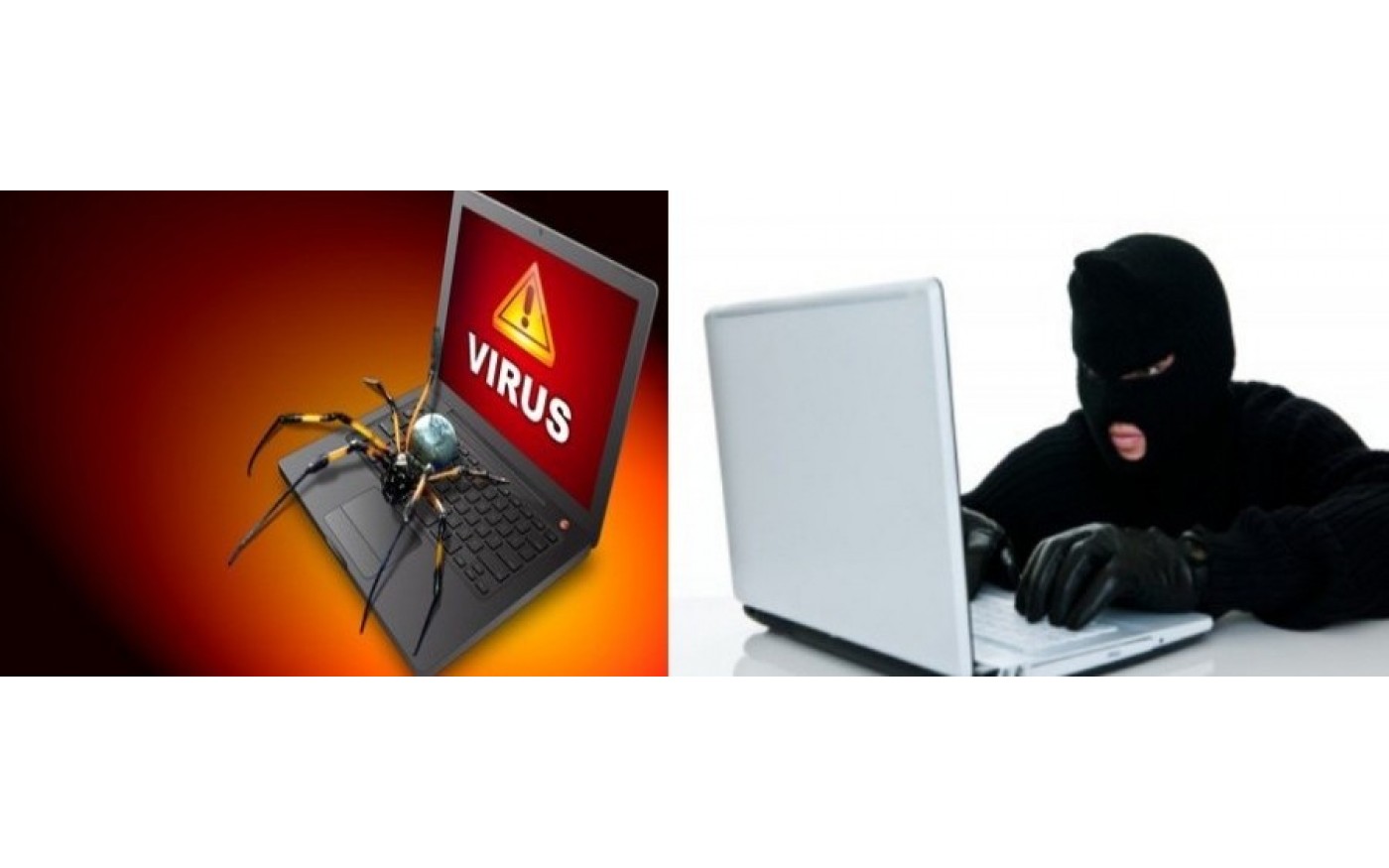
How Safe is your PC?
It is important to take adequate measures to protect your computer from numerous threats encountered online. “Internet Safety is difficult, yet critical”.
Effective protection will safeguard your computer from being infected with viruses, bugs, malware, and Spywares that could result from activities such as surfing the internet, downloading, and playing games.
Below, you will find valuable advice on how to safeguard your computer against identity theft or loss, and how to back up your data
1. Install an Antivirus or Internet Security program
Hey, you just got a N150000 Hp intel core i3 Laptop. Come on, bring out that extra cash and get yourself a good antivirus or internet security suite. There are plenty of good options out there such as Norton, McAfee, Bit Defender, Kaspersky, AVG, etc. Antivirus & Internet Security programs are an important safety for anyone to have. A top-notch antivirus or internet security suite will quarantine and remove a virus or bug before it infects your PC; effectively solving the problem before it even exists. Don’t let your precious PC go unprotected. A simple program installed will prevent a lot of headaches down the road
Antivirus vs Internet Security
Both antivirus and internet security are designed to protect your computer from harmful programs. However, they are inherently different, and therefore depending on your own needs, you should either choose an antivirus or internet security software. The major difference between antivirus and internet security is that while an antivirus protects you from viruses that may infect your computer, an internet security suite protects you from many other forms of malicious content and action, by having advanced features such as a firewall, phishing detection over the internet, capability to detect key loggers and good action against trojans and worms.
However, there are disadvantages associated with an internet security suite over an antivirus. For example, running an internet security suite on your computer requires huge memory and CPU usage and therefore may slow down your computer. This is especially true in cases of older computers and laptops. Apart from program slowdowns, the overall running of the system is also slowed, because a scan is performed for many tasks that may normally be harmless. Also, Internet security suites are generally costlier than antivirus software.
Depending on the sensitivity of the data present in your computer, you can choose between an internet security suite and antivirus. If you are involved with lots of financial transactions over the internet or extensively use online banking with big amounts of money involved, you should consider an internet security suite. Otherwise, for personal purposes, an antivirus will work just fine for you.
Find the best antivirus and internet security here.
2. Don’t open any suspicious email attachments or links
Viruses and keyloggers can be attached to just about any file type, so don’t open email attachments that you’re not expecting. The same goes for suspicious links in emails. Hackers are getting crafty these days, and will often mask their email address to appear as one from a reputable company and include links that look safe. Also, Don’t install “free” software without checking it out first. Many “free” packages are so because they come loaded with spyware, adware, and worse.
3. Don’t share your personal information with anyone
Don’t share any of your login information for any website with anyone. If you give someone your personal information and their computer is infected, your information is now in the hands of the hackers who attacked them. Moreover, do you really want your private information in the hands of anyone but yourself? It’s private for a reason, you know.
4. Browse the web intelligently
Surfing the internet safely can keep your PC virus-free. Try to avoid websites that seem suspicious. Don’t fall for phishing scams. Phishing is a common way that online accounts are hacked into and can lead to more serious issues like identity theft. Make sure you’re using the latest version of your web browser. Make sure that your online website access is only via secure (HTTPS) connections or that your regular mail program is configured to use encrypted connections as well. Use a pop-up blocker if necessary.
5. Back up your PC
Having a backup copy of all your data can help you recover if your computer is hacked, lost, or stolen. Backing up your email and contacts can be a critical way to restore your world should your online account be compromised. A proper and recent backup can save you from just about any disaster, including security issues.
You can back up your data physically or virtually.
Physical backups include USB drives, CD, Internal Hard drives, External Hard drives.
Virtual Backup - Dropbox, Google Drive, etc
Find affordable deals for USB drives, Hard drives below
Click Flash Drives